Exporting
The Shots Table is your cut list. Exporting turns it into whatever the next person in the chain needs.
Exporting needs an activated license
In demo mode the export features are switched off. See Install & Activate.
Two ways to export
-
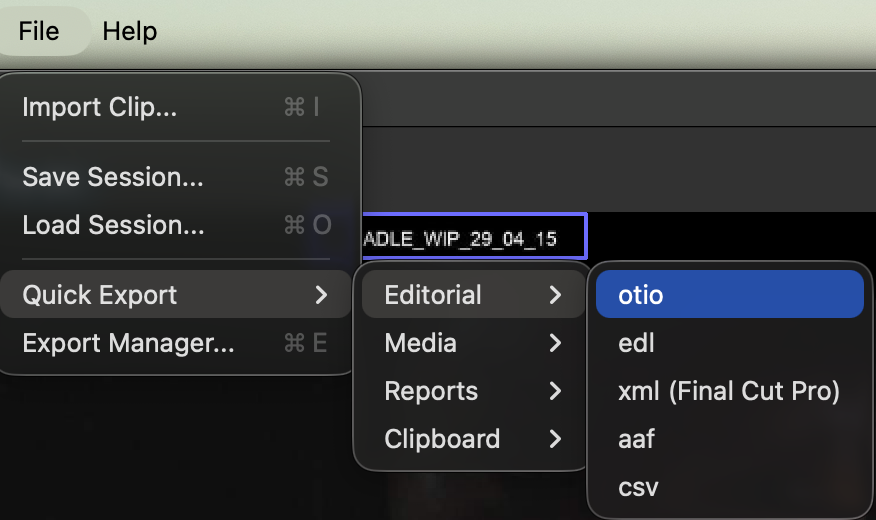
Quick Export
One click from File → Quick Export. Pick a category and a format and you're done. It always exports all shots, whatever is flagged in the table.
-
Export Manager
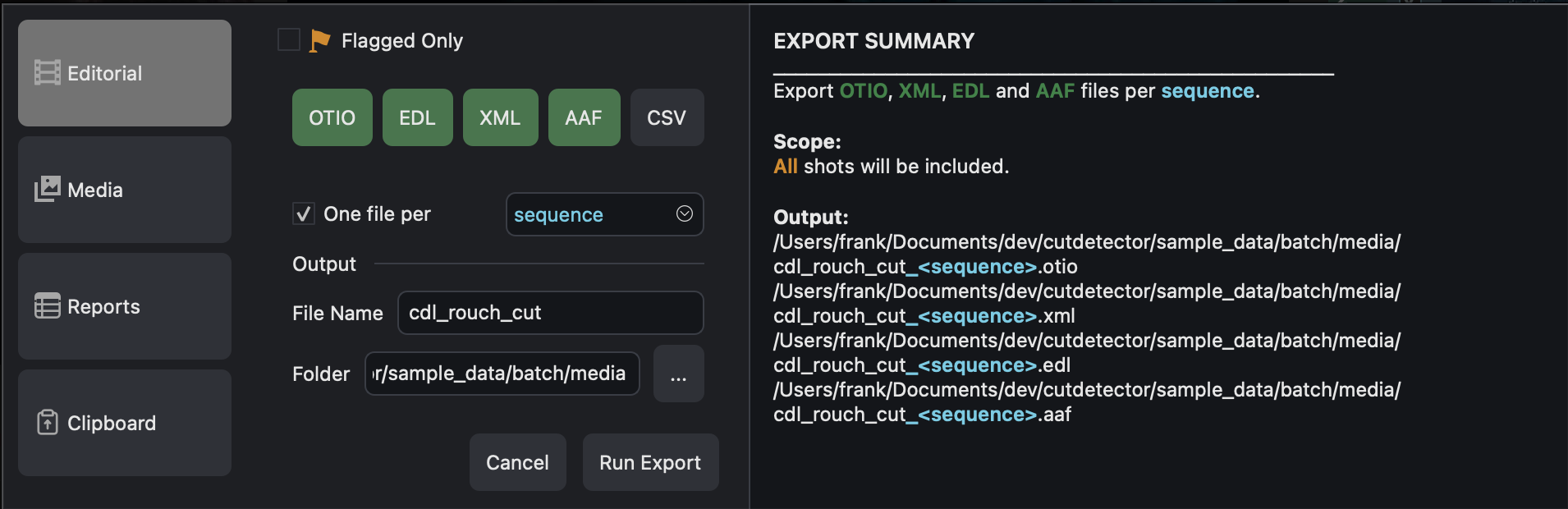
File → Export Manager... for more control. Export several formats in one go, only the flagged shots, and bundle the files by any column.
What you can export
-
Editorial data
For importing into editorial applications.
- otio
- edl
- aaf
- xml
- csv
-
Reports
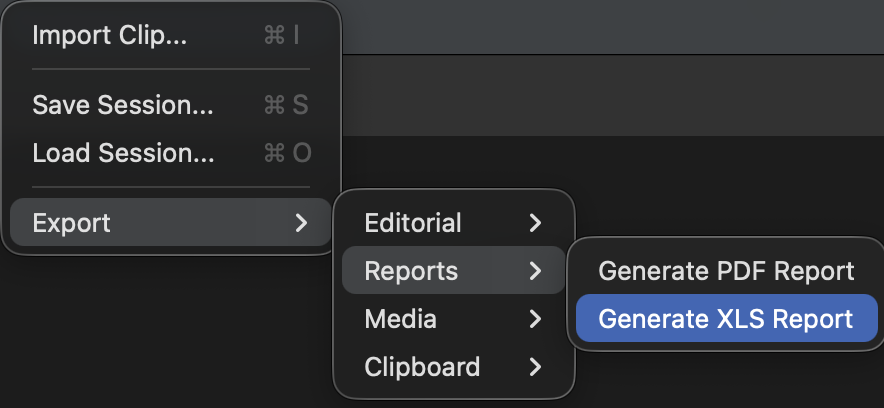
For human eyes and brains: thumbnails plus your columns.
- Excel (xls)
-
Media
Always handy in this job.
- mp4 sub-clips, one per shot
- jpg thumbnails (1024 px wide)
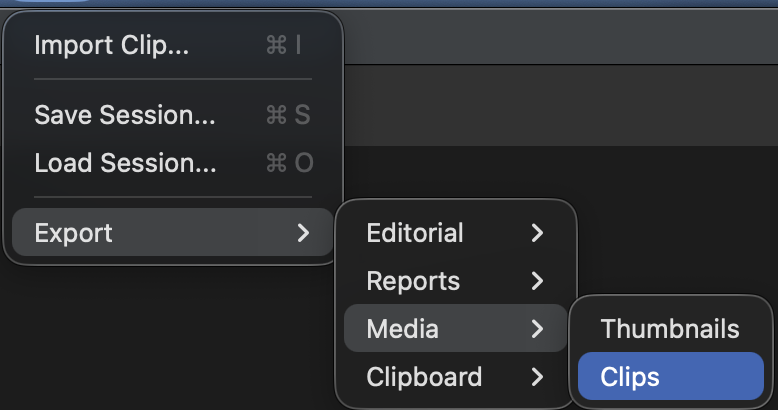
Sub-clips use ffmpeg, which comes with the app on most systems
-
Clipboard
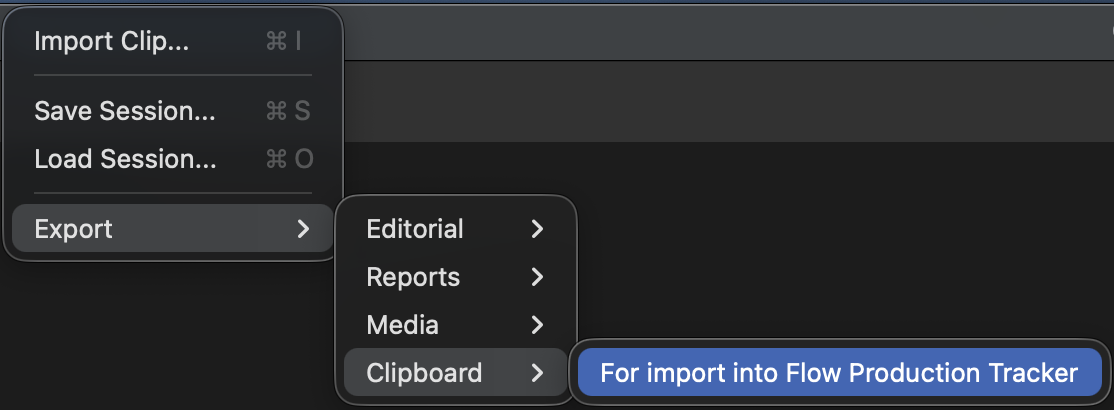
Copies your shots to the clipboard so you can paste them straight into Autodesk Flow Production Tracking (formerly ShotGrid) to create new shots.
Export Manager tips
- Flagged Only: tick the Flag checkbox on the shots you want in the table, then choose Flagged Only to export just those.
- One file per... (editorial): write a separate file per value of any column. For example, one otio per sequence.
- Bundle by... (media): sort thumbnails and sub-clips into a folder per value of any column, for example one folder per sequence.
- Several formats at once: tick as many as you like.
- The manager describes in plain words what it is about to do, so you can check it before you export.
Missing a format?
Tell us on Discord and we'll see what we can do.