Shot Playback
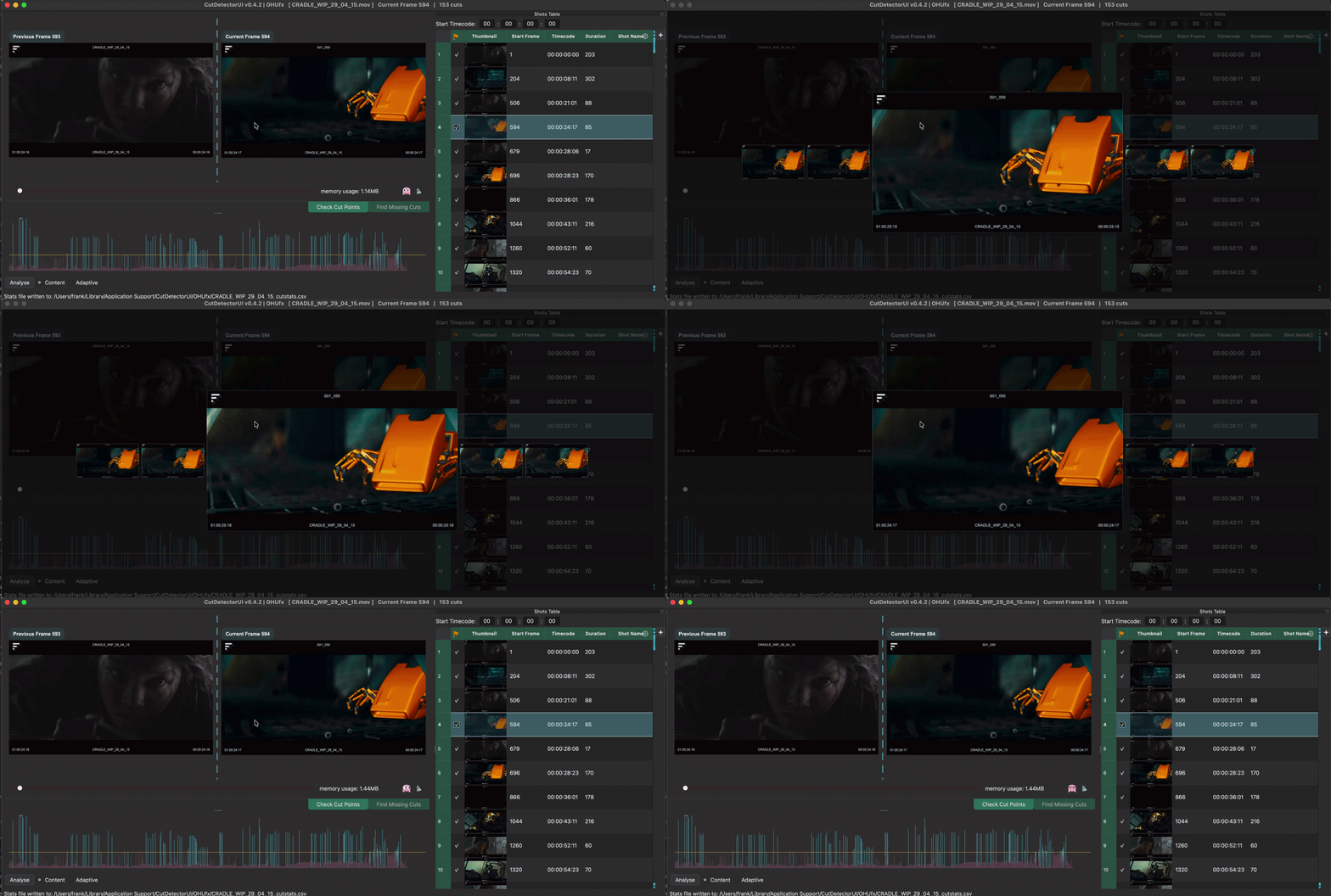
Want to see how a shot actually plays? Press Space and a small player opens right over the window and plays the shot that is selected in the Shots Table, at the source media's frame rate.
Before you have analysed the clip, Space plays the whole clip from the start.
Controls
| Key | What it does |
|---|---|
| Space | Open the player |
| Right | Step forward one frame |
| Left | Step back one frame |
| Up | Jump to the first frame |
| Down | Jump to the last frame |
| Esc | Close the player |
The first run can be choppy
The player uses the frame cache. If the shot isn't cached yet, the first playback may be slower than real time. After one run through, it plays smoothly. Fill the cache up front and it's smooth from the start.