Hiero
Using Foundry's Hiero? Launch CutDetectorPro right from a bin item or a track item and get soft cuts back, with no exporting and importing in between.
Needs an activated license
The Apply button that sends results back to Hiero is one of the features that is switched off in demo mode. See Install & Activate.
Set it up
Hiero needs to know where CutDetectorPro's plugin lives. Pick one of these:
Create this file:
$HOME/.nuke/Python/StartupUI/load_cutdetector.py
Paste the following into it and save:
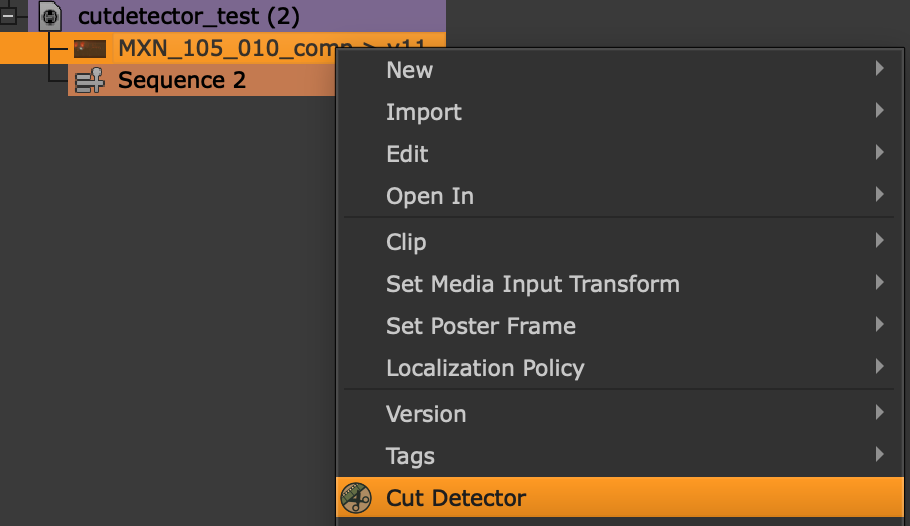
Restart Hiero. You should now see Cut Detector in the context menu of bin items and of track items in the timeline:
Use it
Launched this way, CutDetectorPro shows an extra Apply button under the Shots Table:
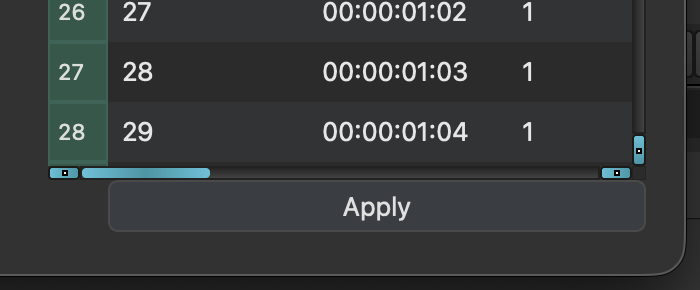
Click it to send the cuts back to Hiero:
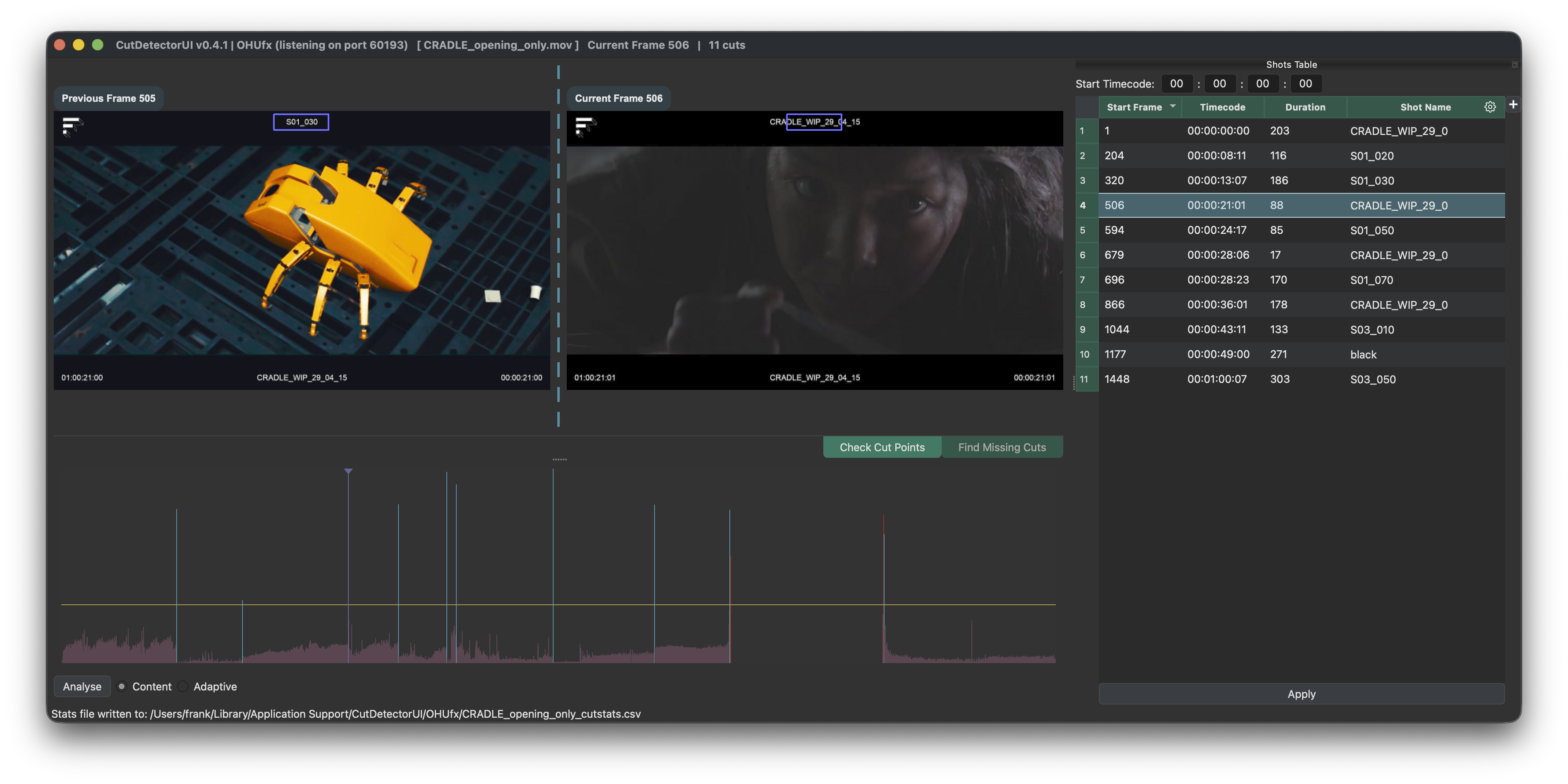
What Hiero does with them depends on where you started.
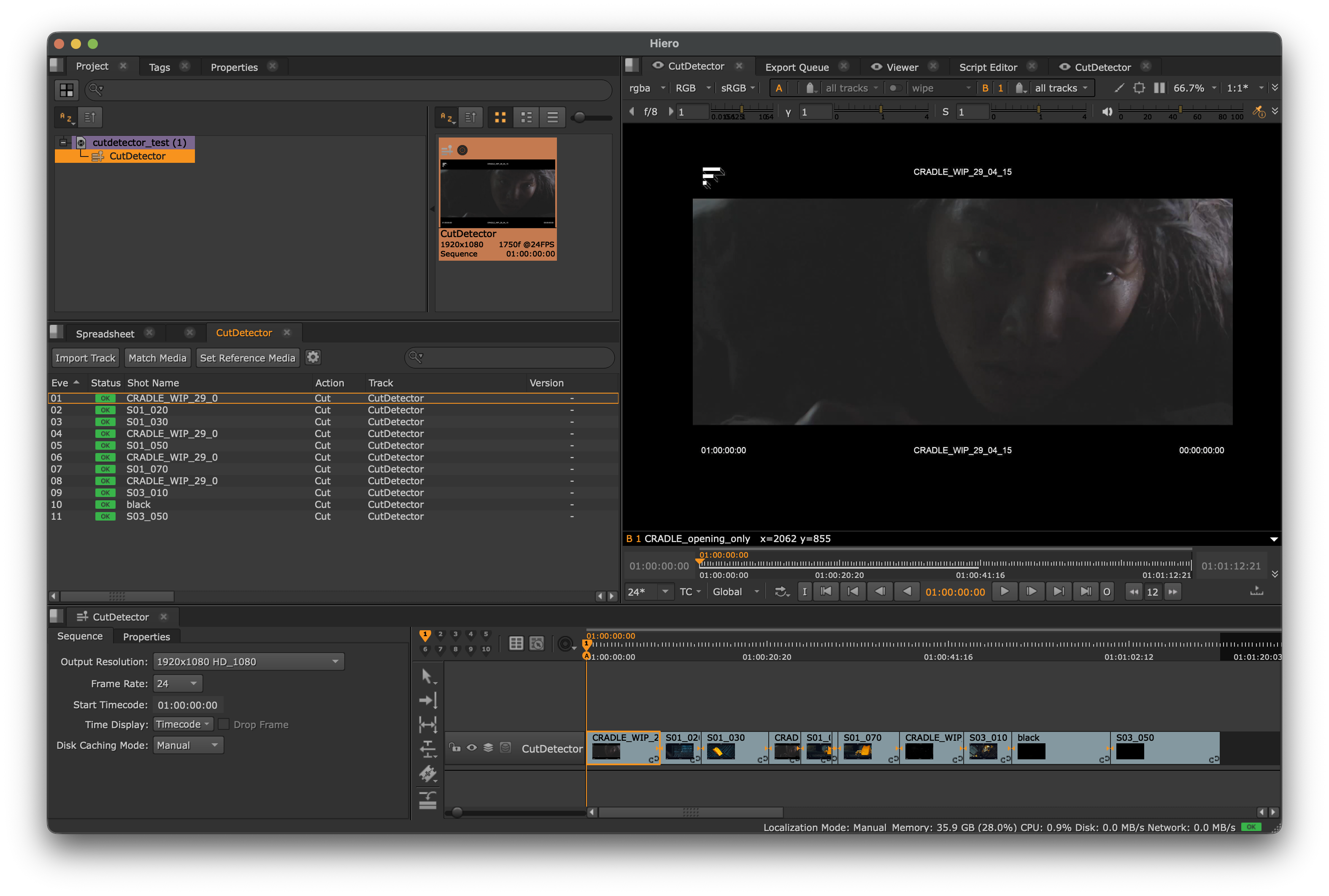
Right-click a clip in the bin and choose Cut Detector. When you hit Apply, the plugin builds a new Sequence with soft cuts and adds it to the same bin as the clip:
If the clip has an in and/or out point set in Hiero, CutDetectorPro opens with that range already requested, so only that part is analysed (see Sub-range analysis). Without in/out points the whole clip is analysed.
Right-click a track item in the timeline and choose Cut Detector. The part of the clip the track item uses (its source in and out) is requested for you, so only the footage that is actually in your cut gets analysed.
When you hit Apply, the track item is cut up in place:
- It's split at every cut, as soft cuts.
- The pieces are named after their shot names.
- Shots that start outside the track item's range are ignored.
Good to know
- Several windows at once. You can have multiple CutDetectorPro windows open. Each one sends its results back to the item it was launched from, whichever you apply first.
- Text goes along. If you extracted text with OCR, the results arrive in Hiero as a
CutDetectorProtag on each shot, in both workflows. - Behind the scenes. CutDetectorPro and Hiero talk over a simple inter-process connection. The plugin that ships with CutDetectorPro turns the incoming data into Hiero cuts.
Requires CutDetectorPro 0.5.1 or later
Launching from the timeline, and requesting the range from in/out points, are not available in earlier versions.